Users of the selfh.st/icons collection (more than 4,400 self-hosted and non-self-hosted icons and logos) will be happy to learn that it is now possible to add custom colors to icons on the fly via a self-hosted lightweight proxy server.
In short, icons with monochromatic versions (light/dark) can be overridden with CSS styles to adjust colors, which is only possible when the SVG file is embedded onto a webpage. Until now, this hasn't been possible given most integrations (and the jsDelivr CDN) embed the files using <img> tags (which cannot be easily styled via CSS).
Unlike other icon collections, I don't have the infrastructure or bandwidth to host a server to proxy custom colors, so I've built a Docker image for users to self-host their own. Once deployed, the server can intercept requests and append any hex color code to applicable icons based on a parameter passed through the URL:
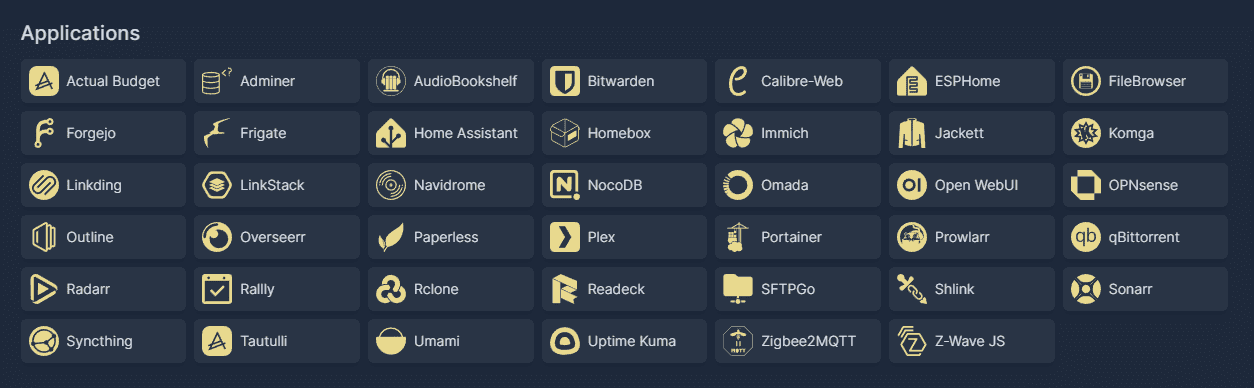
If you're interested, the container is lightweight and takes only a minute or two to spin up. Further instructions can be found in the GitHub repository linked below.
 selfhst