


Weekly Highlights
Plex dominated the airwaves this week after announcing they're substantially increasing the Plex Pass subscription price, which also now requires a subscription for sharing personal media content with others. (If you already own a Plex Pass, these changes will have virtually no effect on you.)
As usual, content creators across the web capitalized on the outrage (did we really need a 12-minute recap of a 7-paragraph announcement?) and were quick to post doomsday reactions about the impact this might have on future platform updates and privacy...
And while they might not be wrong, it overshadows and undermines the broader conversation that needs to be had about compensating developers for software that many users expect to be free. After all, 60% of 2024's survey participants hadn't donated to a single self-hosted project in the last year.
If you've already deployed Jellyfin and don't really care about any of this, consider how you might be able to contribute to the MediaWolf platform aggregation project instead.
The Lemmy developers are also hosting an AMA for the community next Tuesday (3/25) for anyone interested in that type of behind-the-scenes content from open-source projects.
Happy selfh.st/ing!
In the News
 jerry
jerry
 Grant Bourzikas
 Niccolò Venerandi
More From selfh.st
 Ethan Sholly
 Ethan Sholly
Community Content
 Peter Alexandru Hautelman
 Akash Rajpurohit
 Ric
Ric
 mastodon
Content Spotlight: PlikShare
Meet PlikShare, a self-hosted file sharing platform that recently made its open-source debut. PlikShare gives users a minimal and intuitive interface for uploading, sharing, and downloading files with others, while also providing configuration flexibility for administrators with support for multiple storage backends (local, Cloudflare R2, AWS, and DigitalOcean Spaces). Other features include unlimited users with MFA login support, bulk operations, e-mail notifications, workspaces, and more.
PlikShare can be easily installed via Docker and doesn't require any additional containers or services to deploy.

Links: Website, Source Code, Documentation
What I'm Watching
- Self-Hosted Ticketing with Peppermint | Techdox
- Getting Up and Running with Ollama | Lawrence Systems
- My NEW Homeserver for AI + Power efficiency | Christian Lempa
Command Line Corner: lsof -i :443
Use lsof -i :443 to quickly list the process(es) listening on port 443 from the command line:
$ lsof -i :443
  COMMAND PID USER FD TYPE DEVICE NODE NAME
  caddy   398 root 7u IPv4 32984  TCP  *:https
(Thanks to reader jschwalbe for this week's command!)
Related News and Content
 Sourav Rudra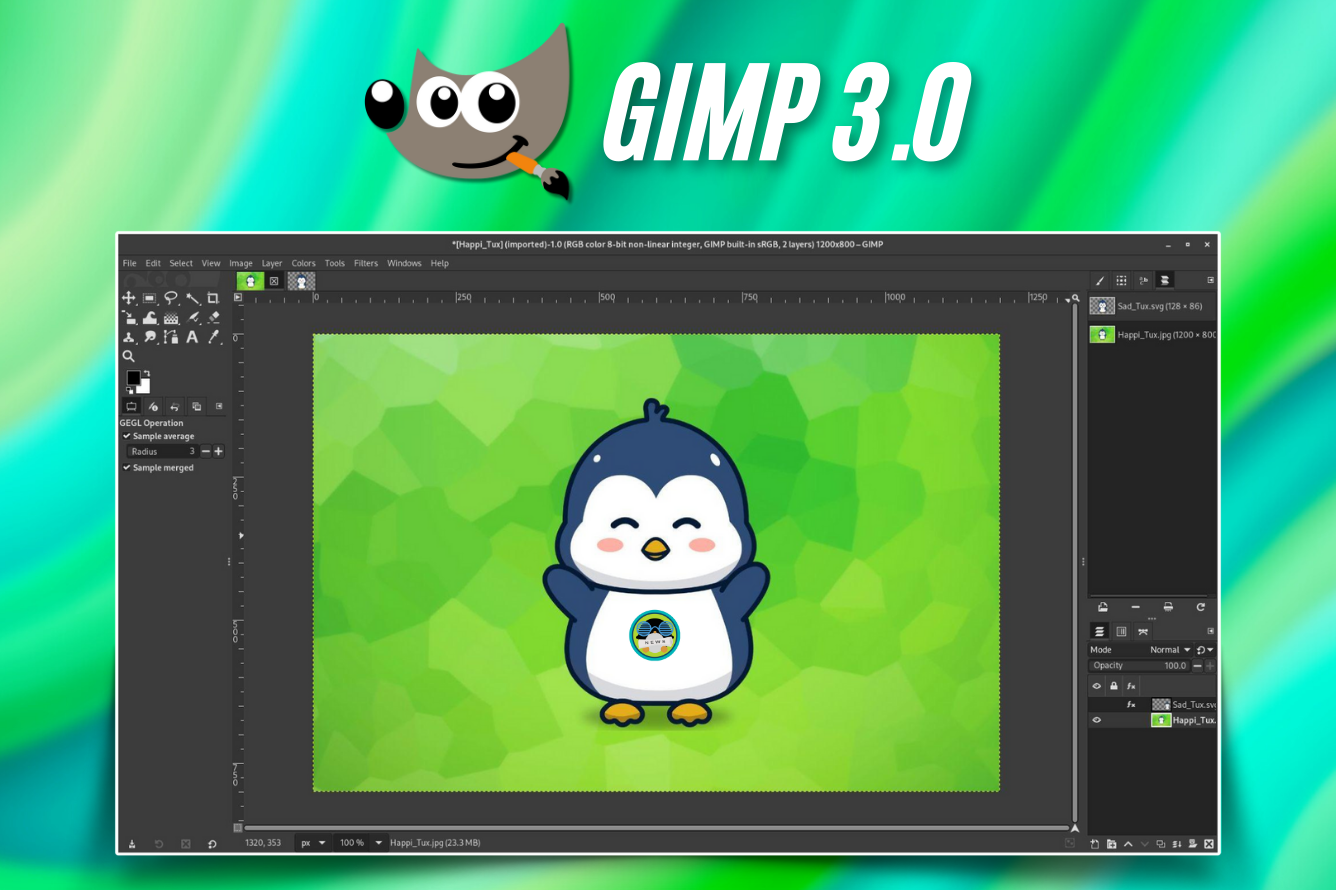
 ronaldl29
 Julian Lucas
Share Your Content
I'm always looking for new and existing self-hosted content to share in Self-Host Weekly. Reach out using the button below if you'd like to have your own content featured or have a suggestion for content types you'd like to see featured in future newsletters.